Scrinotia
skri · NO · tee · a
The scroll-case of knowledge.
A local-first, utilitarian Markdown notes client. It opens a vault, a folder of Markdown notes, without altering it. No account, no cloud: your notes stay plain files on your own disk.
Download
v0.21.0Free and open source under AGPL-3.0-or-later; a commercial licence is available. See all releases.

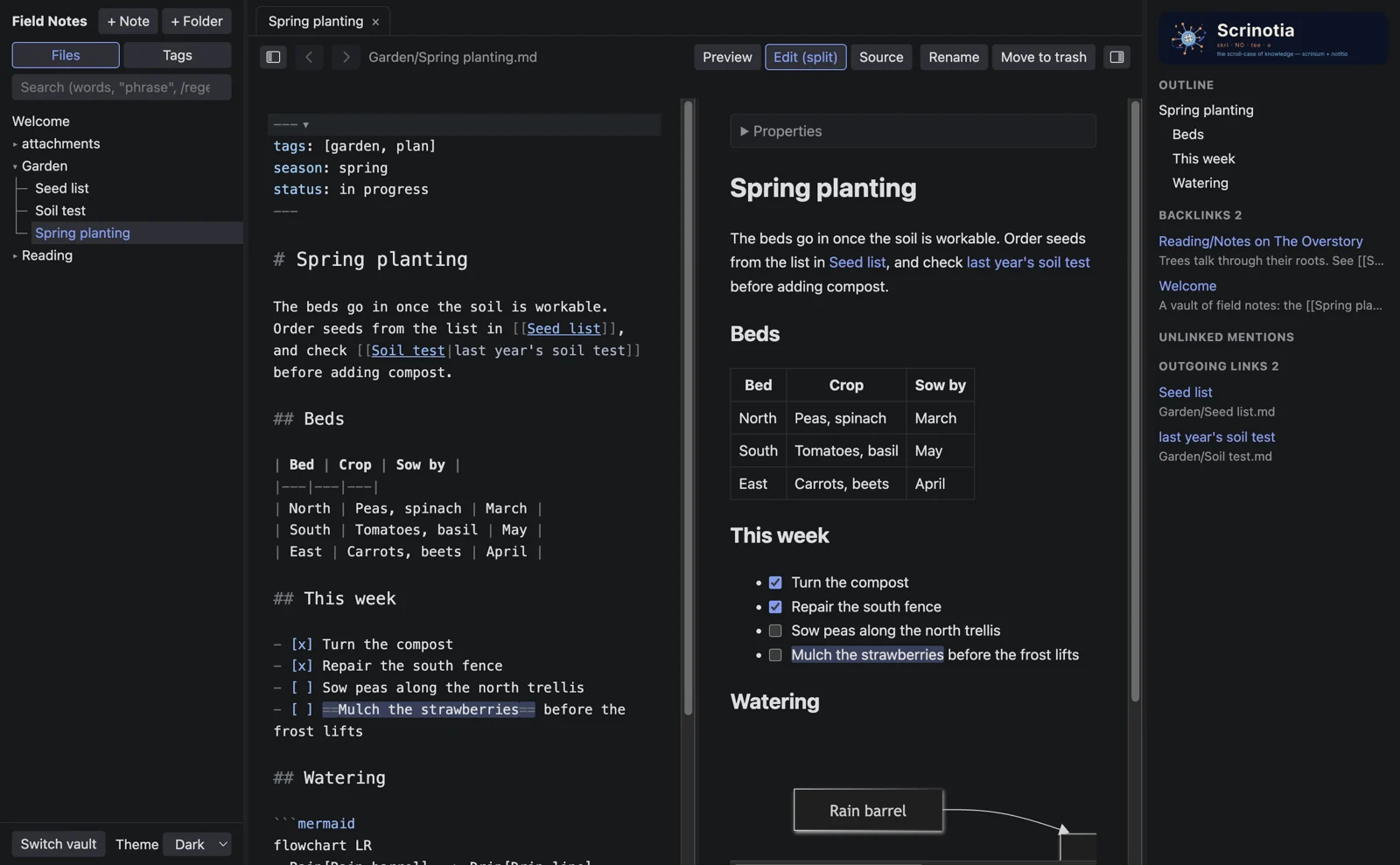
The split view: the source beside its preview, scrolled together, with the outline and links at the side.
Your files, untouched.
Opening a vault changes nothing in it. Notes are saved only when you edit them, with their line endings kept and their frontmatter left exactly as it was.
Links that work.
Wikilinks with completion, backlinks and unlinked mentions, embedded notes, and links rewritten when a note is renamed or moved.
More than text.
Math, Mermaid diagrams, coloured code, PDFs, audio, video, 3D models and table views of .base files, in the preview and printed.
Installing
macOS
Open the .dmg and drag Scrinotia to Applications.
Windows
Run the installer. It is not signed, so SmartScreen warns the first time: choose More info, then Run anyway.
Ubuntu and Linux
Install the package with sudo apt install ./scrinotia-*.deb, or make the AppImage executable and run it.